


3 Must-Have Semantic Search Use Cases
Read the articleSearch is only useful when it truly understands both the content and the user. Fluid Topics merges the best of keyword-based accuracy with AI-driven semantic search and natural language processing. It interprets intent, extracts meaning, and delivers personalized, highly relevant results, no matter how complex your product knowledge may be.
See Fluid Topics in action
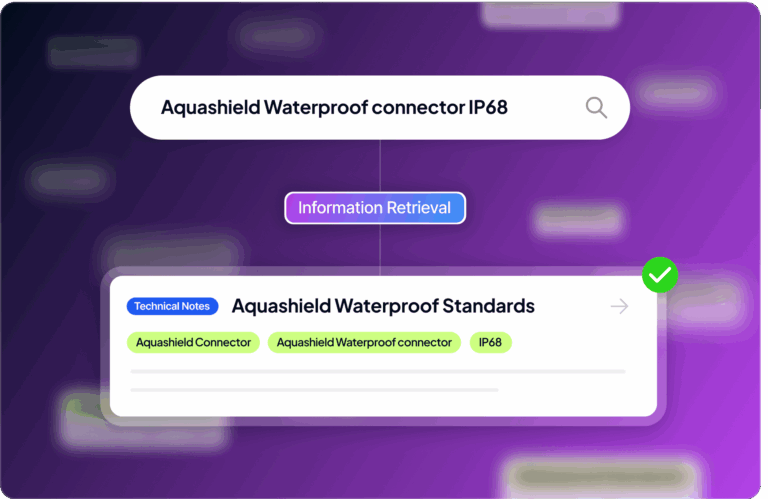
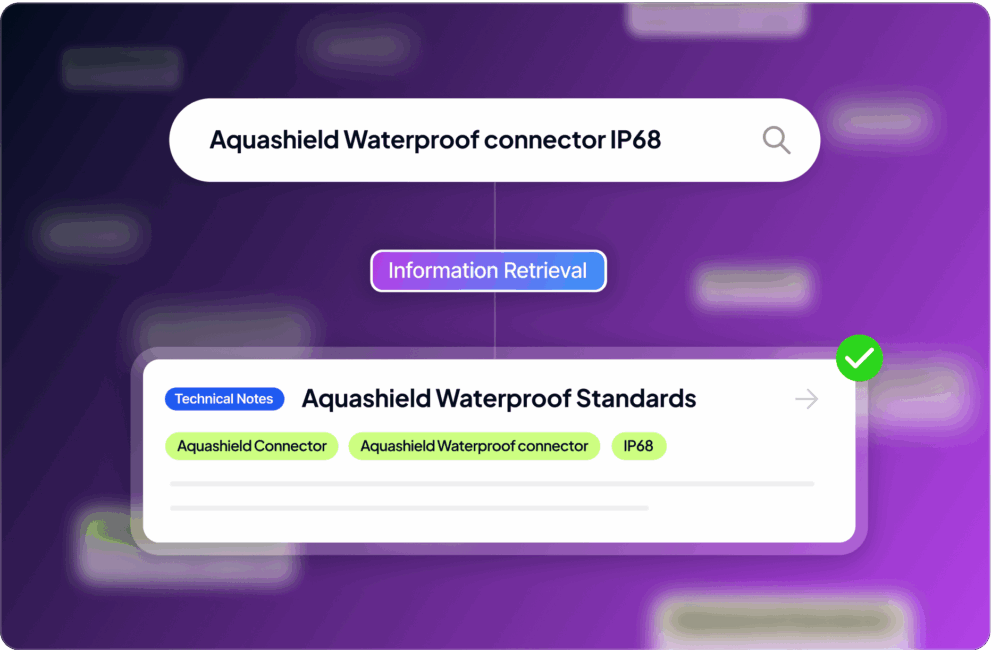
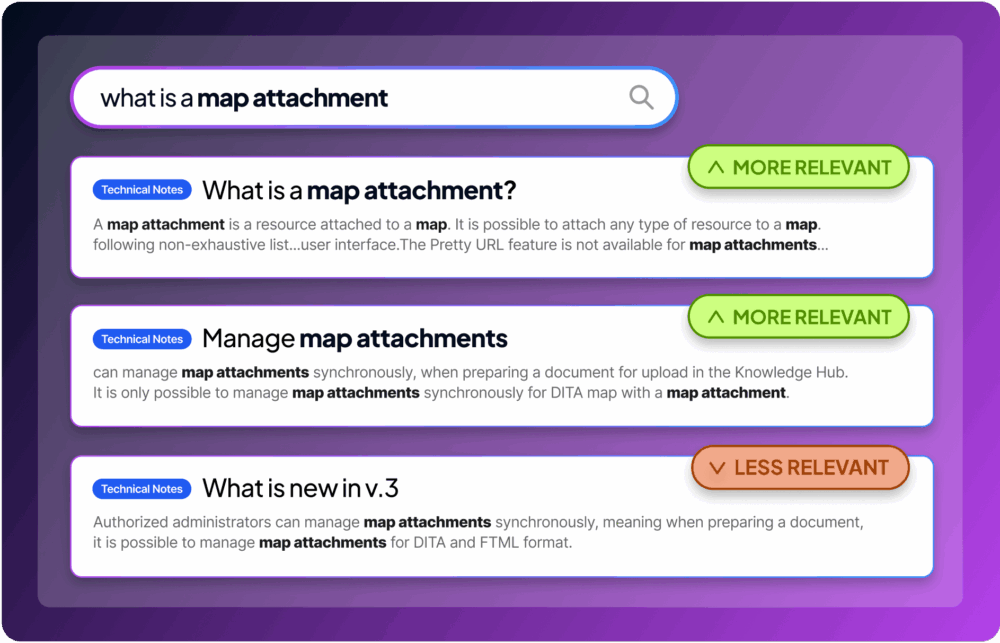
Fluid Topics is optimized for precise keyword searches, making it the fastest way to find information when you know exactly what you need like a product code, model, or technical term. Using the latest advances in language modeling, our proprietary search overcomes the limits of tf-idf and Lucene and offers unique and tunable relevance.


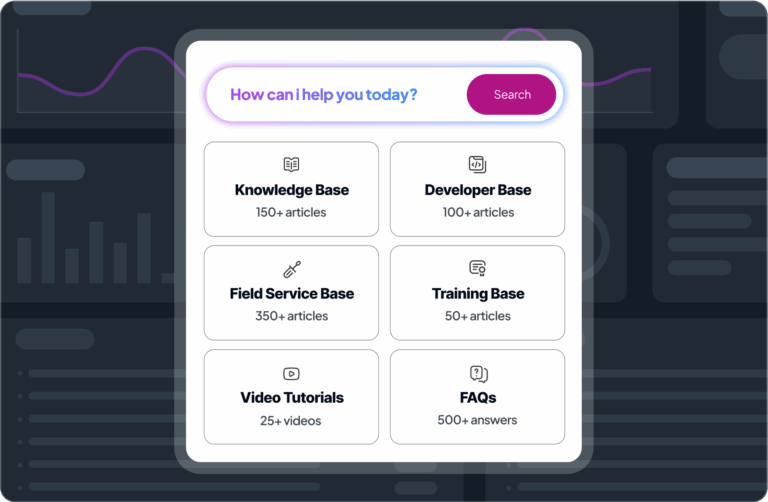
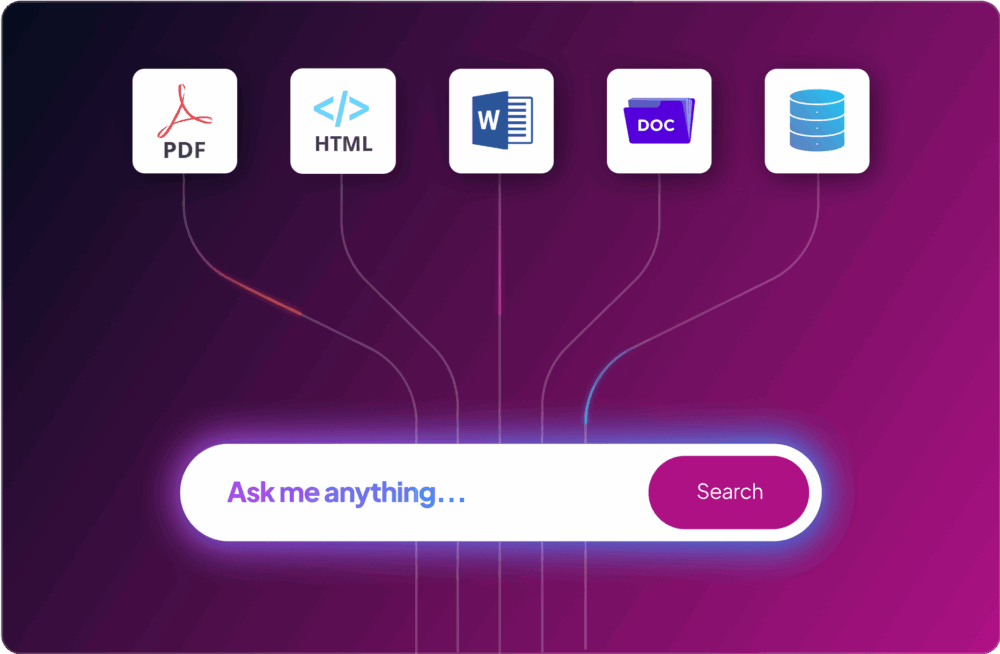
Fluid Topics unifies all your product information, no matter the format or source, into a single, intelligent searchable knowledge hub. Structured content, PDFs, Word documents, and multimedia content are instantly searchable, eliminating the need to hunt through multiple systems. Real-time indexing ensures updates are immediately available for better results.
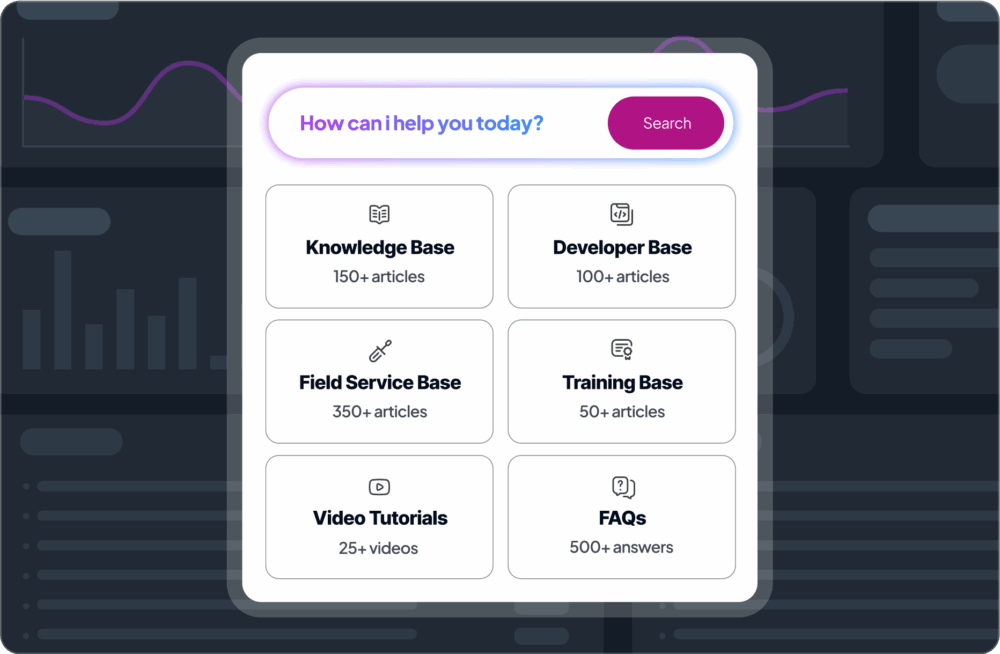

Fluid Topics delivers a truly personalized search experience by leveraging user profiles—such as role, preferences, and location—to surface the most relevant content for each individual. It can recommend tailored content based on both profile information and search input, ensuring users see what matters most, whether that’s the latest updates or specific document types—all within an intuitive interface.




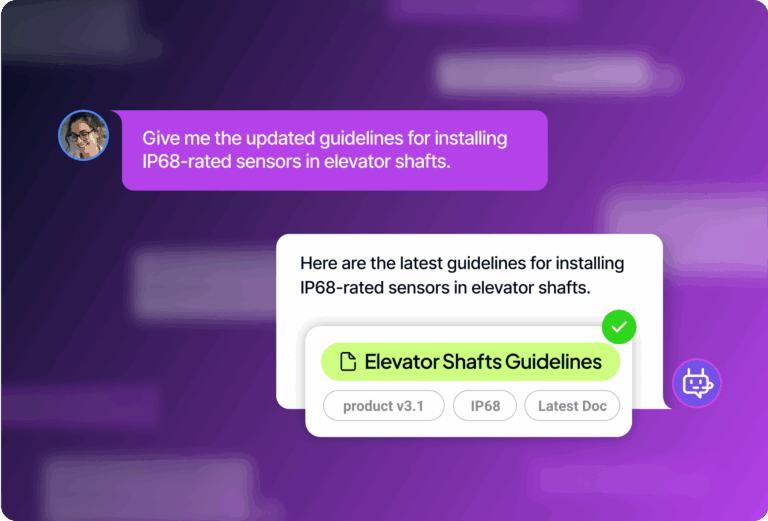
Our native chatbot transforms your documentation into a conversational expert. Powered by your own content, it gives accurate, cited answers, eliminating keyword guessing and enabling genuine, natural dialogue.
More about Chatbots
Deliver instant, contextual help right inside your product to guide users smoothly without interrupting their flow or making them leave the platform.
More about In-Product Help
Provide seamless access to your product information so users can quickly find answers and resolve questions on their own, minimizing the need for direct support.
More about Self-Service
Surface relevant answers and helpful resources in real-time during ticket submission to resolve issues faster and reduce unnecessary support requests.

Quickly find and assemble relevant information from your resources to craft accurate, compelling responses, saving time and improving win rates.

Help new hires rapidly locate relevant information, boosting their learning pace, lowering questions, and offering personalized training.
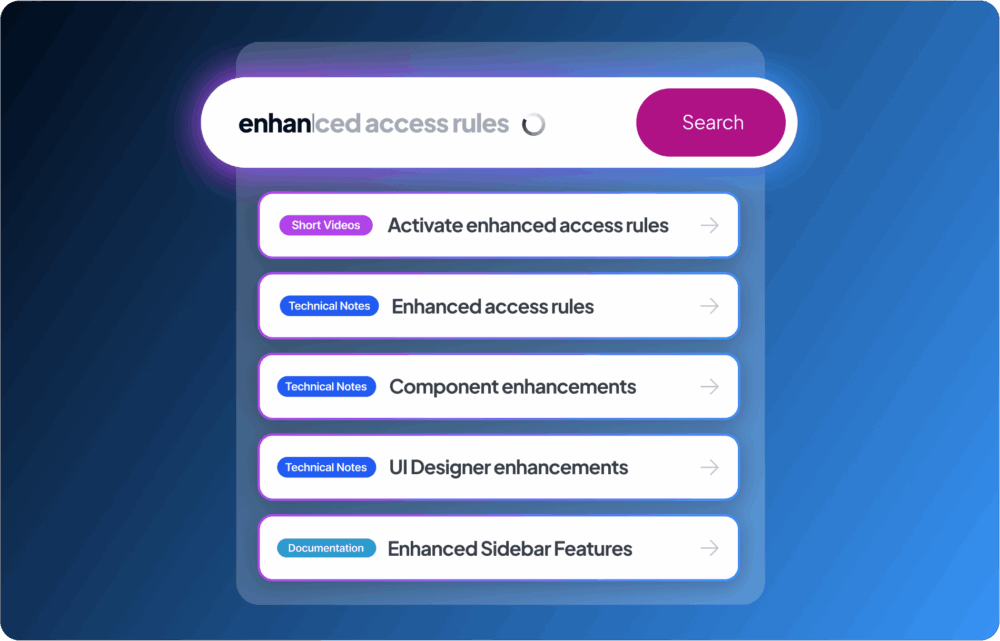
Our search predicts results as users type, handling fast typing and common spelling mistakes. Automatic corrections ensure smooth, accurate, and hassle-free searching.
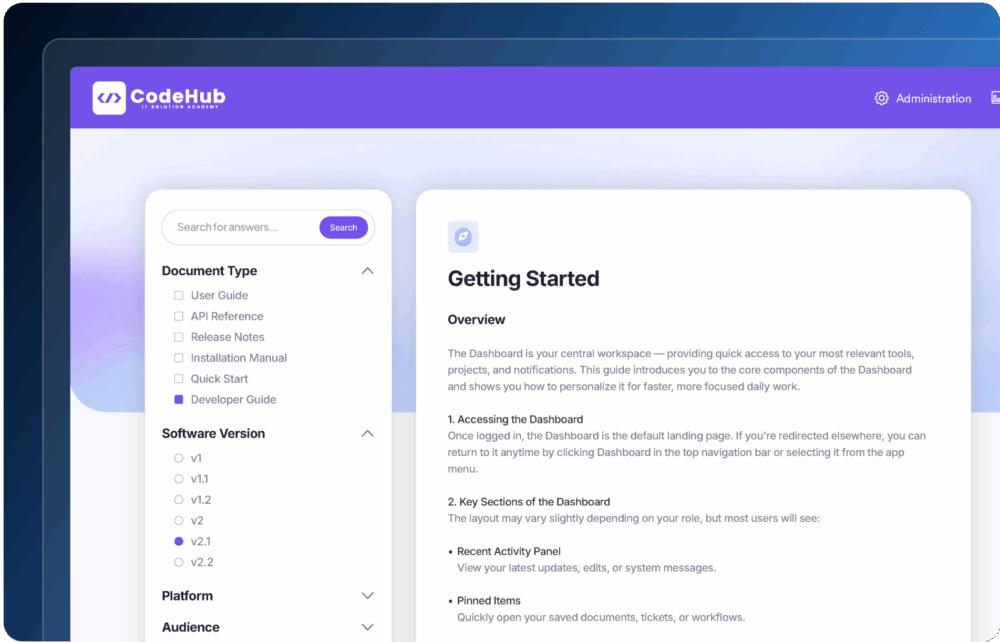
Easily narrow your results using filters such as categories, tags, or any metadata you choose. Filters can be configured in just a few clicks, nothing hardcoded, making it simple to find exactly the content you need in seconds.
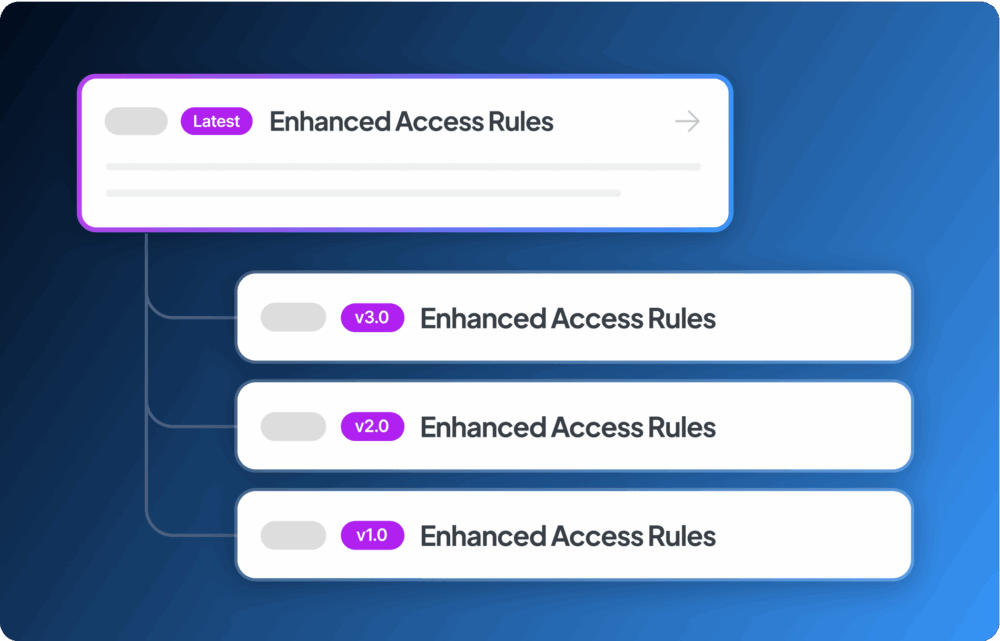
Fluid Topics groups similar results together when the same content appears in multiple document versions. This helps eliminate redundancy and presents cleaner, more organized search results.
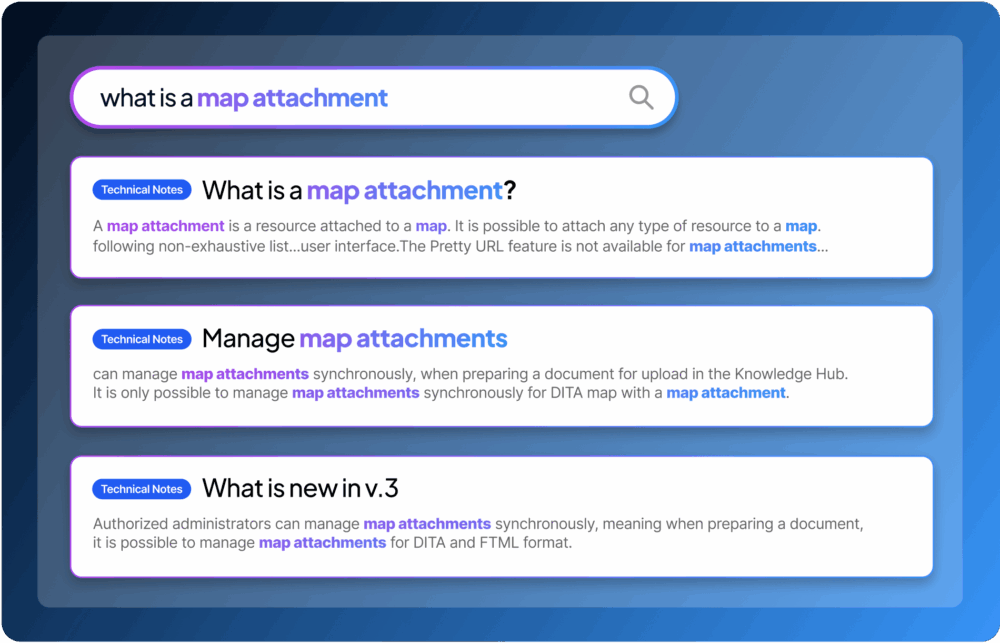
Keywords are highlighted in the titles, text, and metadata of search results. This makes it easier for users to quickly identify relevant information.
The built-in spellchecker corrects typos automatically, reducing misunderstandings and improving search accuracy even when queries contain spelling errors.
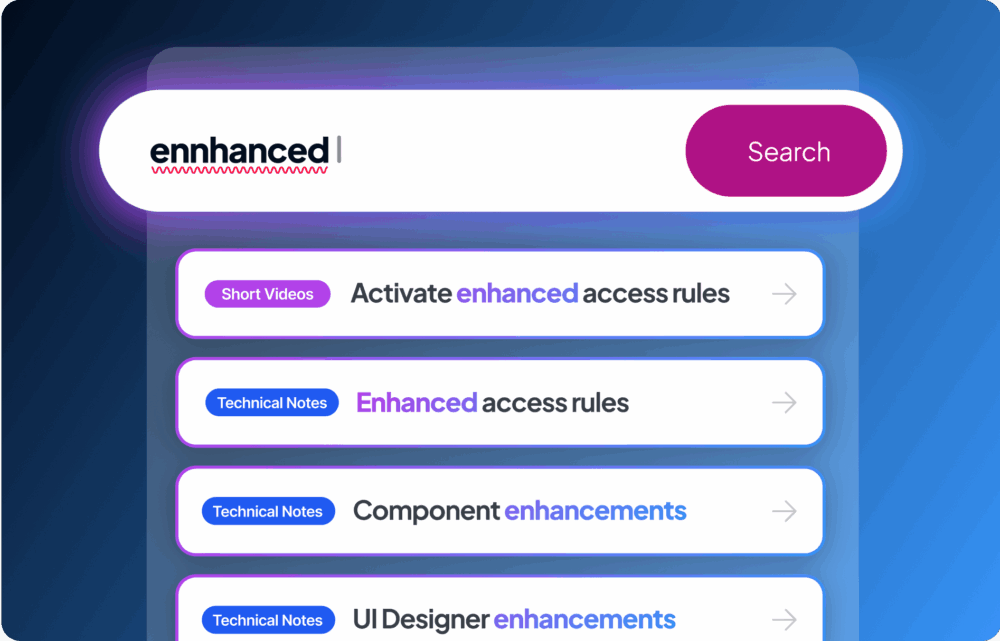
Our search predicts results as users type, handling fast typing and common spelling mistakes. Automatic corrections ensure smooth, accurate, and hassle-free searching.
Easily narrow your results using filters such as categories, tags, or any metadata you choose. Filters can be configured in just a few clicks, nothing hardcoded, making it simple to find exactly the content you need in seconds.
Fluid Topics groups similar results together when the same content appears in multiple document versions. This helps eliminate redundancy and presents cleaner, more organized search results.
Keywords are highlighted in the titles, text, and metadata of search results. This makes it easier for users to quickly identify relevant information.
The built-in spellchecker corrects typos automatically, reducing misunderstandings and improving search accuracy even when queries contain spelling errors.
Yes. Its semantic search capabilities interpret intent and context rather than only relying on exact keywords, allowing users to search using everyday language if they prefer.
Talk to one of our Product Experts

