本当に見つかる検索体験

検索は、コンテンツとユーザーの双方を正しく理解してこそ価値を発揮します。Fluid Topicsは、キーワード検索の精度と、AI駆動のセマンティック検索および自然言語処理を融合。意図を解釈し、意味を抽出し、どれほど複雑な製品ナレッジであっても、パーソナライズされた高精度な結果を提供します。

Fluid Topics の活用例を見る
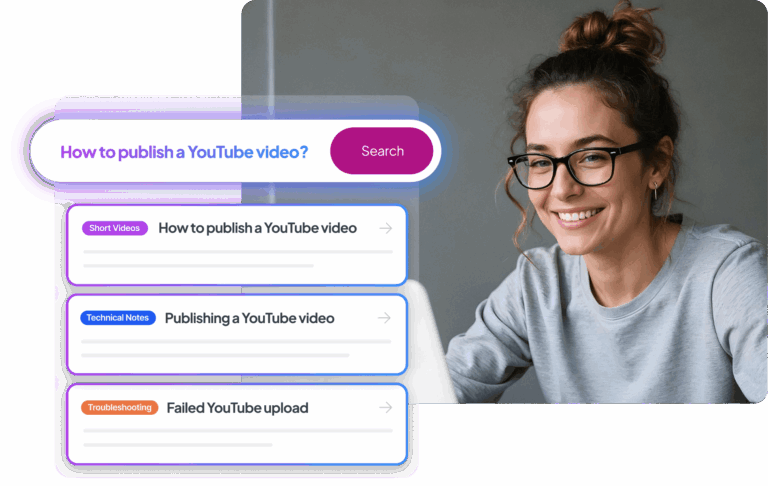
Smiling woman at desk, sidebar showing map topics, videos, troubleshooting, and search bar.

キーワード検索とセマンティック検索の融合

Computer screenshot showing product v3.1 with IP68 waterproof certification and standards info.

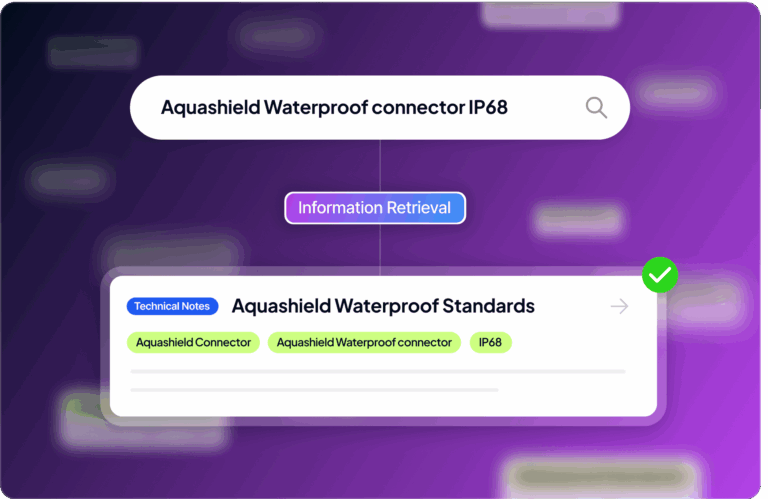
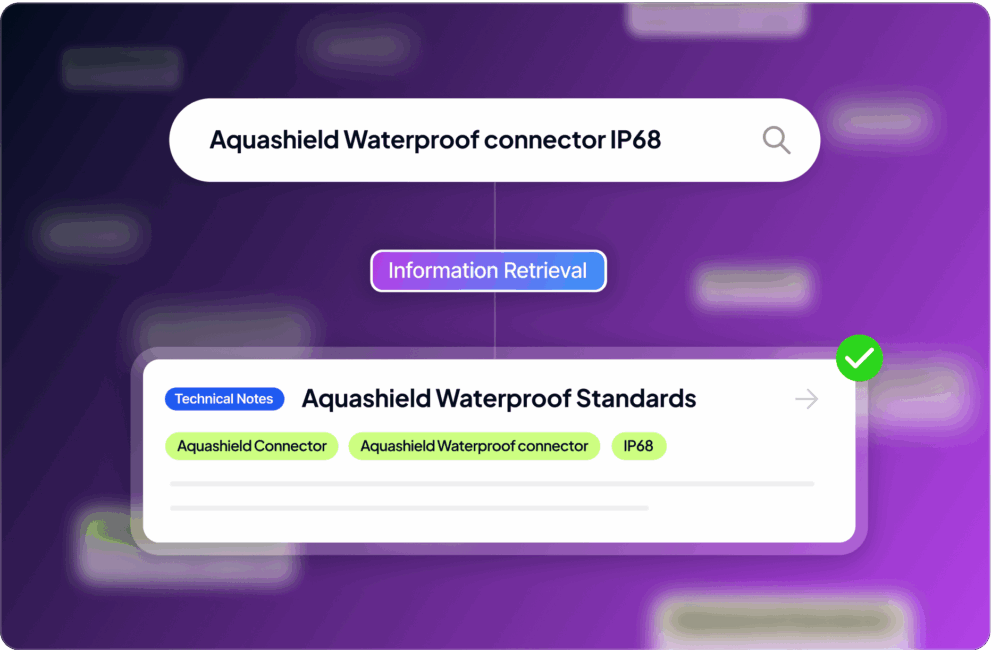
製品コード、型番、専門用語など、必要な情報が明確な場合に最速で見つけられるよう最適化。最新の言語モデル技術を活用し、tf-idfやLuceneの限界を超える独自検索エンジンで、調整可能な高い関連性を実現します。
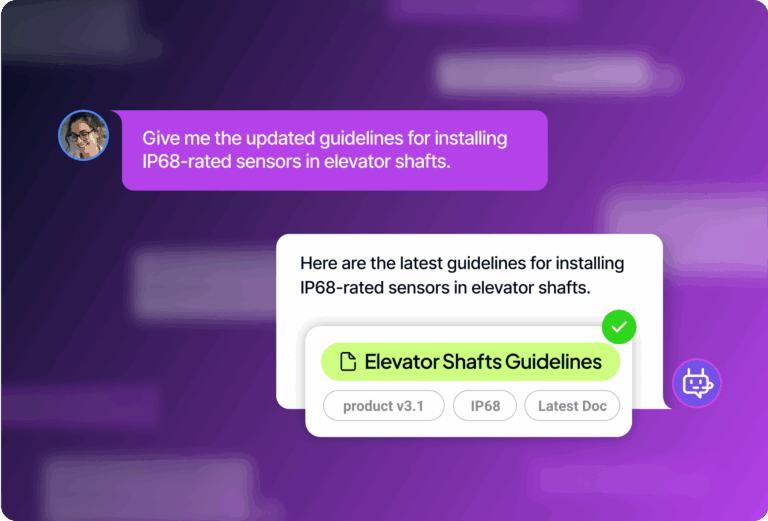
Computer screenshot showing product v3.1 with IP68 waterproof certification and standards info.
Phone screenshot showing updated IP68 waterproofing guidelines for product v3.1.
Search interface showing map attachments with definitions and DITA document management instructions.

コンテンツを発見可能なナレッジへ

Computer screenshot showing document with PDF/HTML options, search bar, and multimedia info.

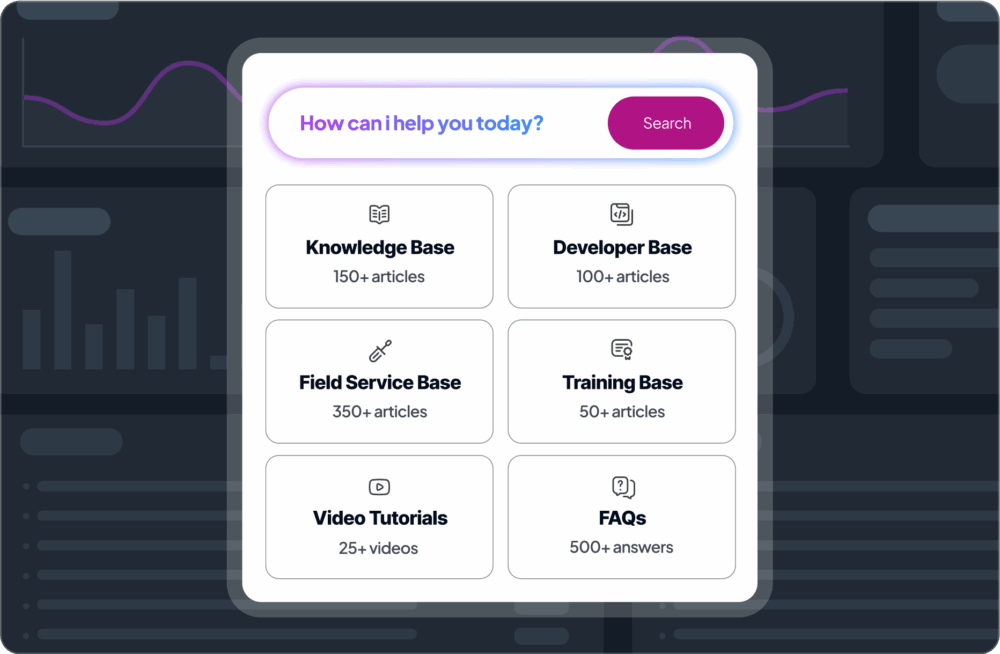
形式やソースを問わず、すべての製品情報を単一のインテリジェントな検索可能ナレッジハブに統合。構造化コンテンツ、PDF、Word文書、マルチメディアまで即座に検索可能です。リアルタイムインデックスにより、更新内容も即時反映されます。
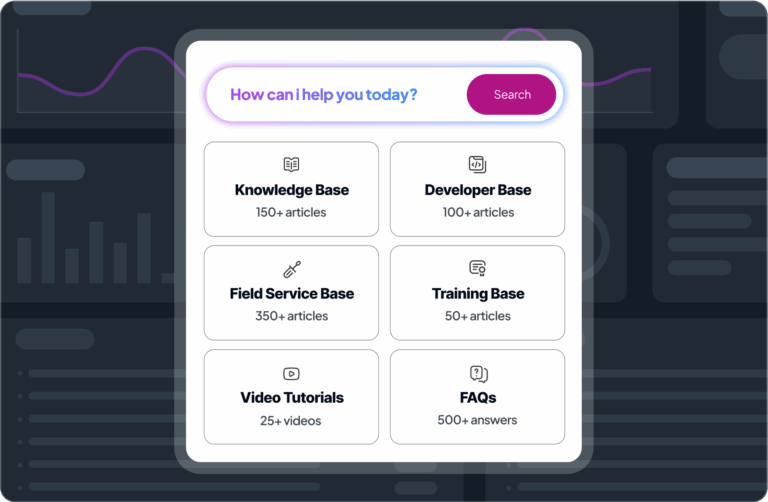
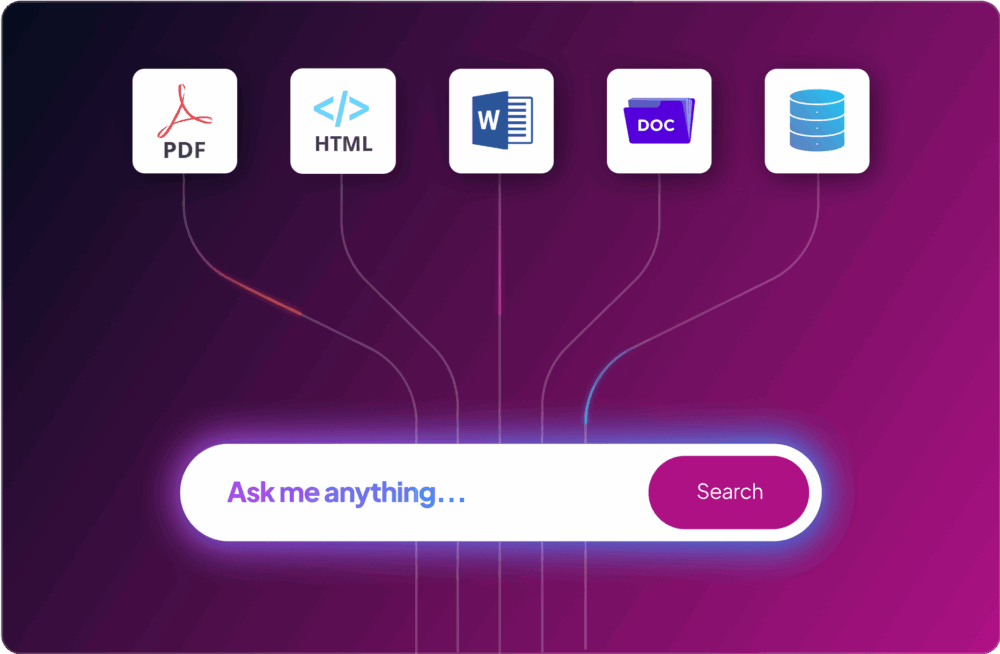
Computer screenshot showing document with PDF/HTML options, search bar, and multimedia info.
Help section with a search bar and tiles for Knowledge, Developer, Training, Videos, and FAQs.

ユーザーに適応する検索

LightShipper Drone flowchart linking Drone Expert to Maintenance Guide and Developer to API.

役割、嗜好、所在地などのユーザープロファイルを活用し、個々に最適なコンテンツを提示。プロフィール情報と検索入力の双方に基づき、最新情報や特定ドキュメントなど重要な情報を優先表示します。直感的なインターフェースで、真にパーソナライズされた体験を提供します。
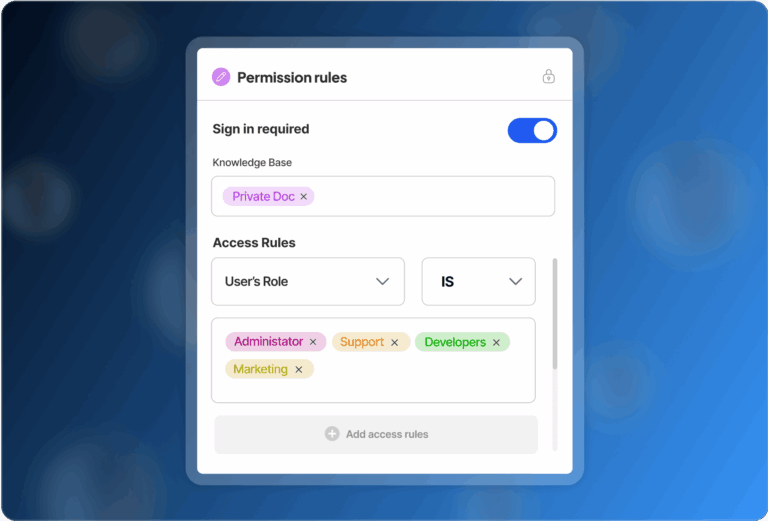
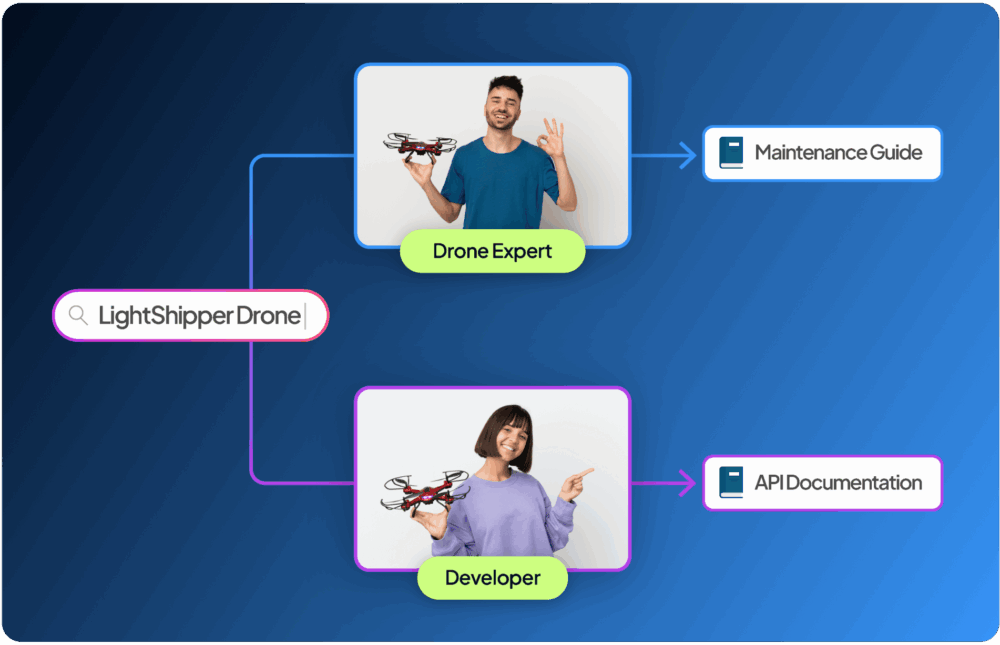
LightShipper Drone flowchart linking Drone Expert to Maintenance Guide and Developer to API.
UI with search bar with dropdown for multiple language translations on blue.
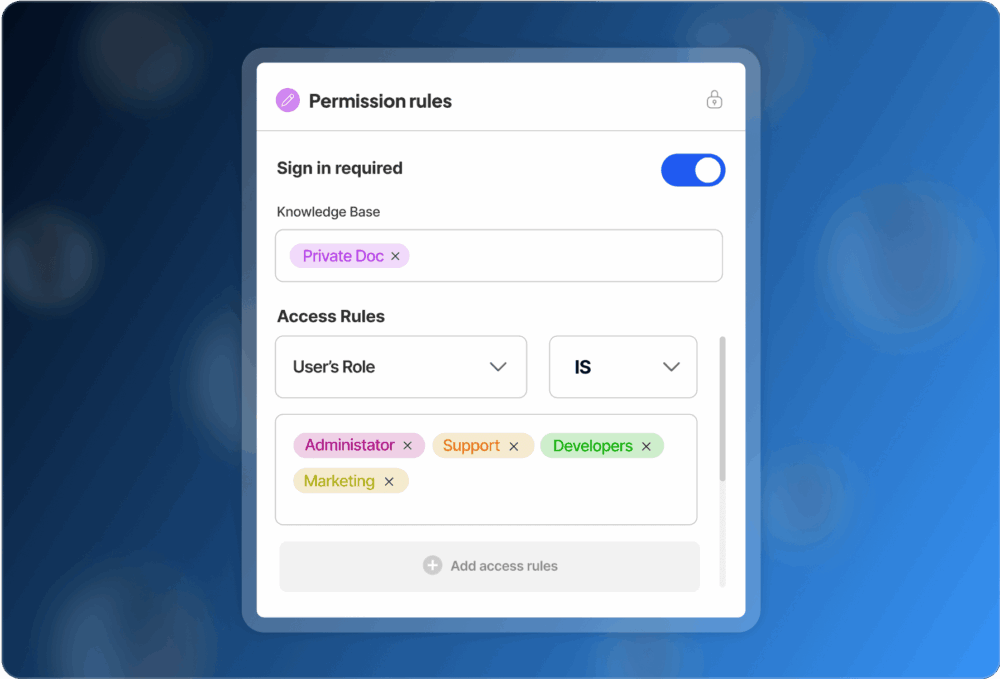
Screenshot showing content visibility, sign-in rules, and Administrator role with checkboxes.

あらゆるユースケースに対応

"Chatbot on purple background showing password recovery steps and a satisfied user message.

AIチャットボット

ネイティブチャットボットがドキュメントを対話型エキスパートへ変革。自社コンテンツを基盤に、引用付きの正確な回答を提供し、自然で本質的な対話を実現します。

チャットボットの詳細を見る
Self-service help visual showing computer screen with question mark for user assistance.

製品内ヘルプ

製品内で即時かつ文脈に応じたヘルプを提供。ユーザーの操作フローを妨げることなくスムーズにガイドします。

製品内ヘルプの詳細を見る
Technical Documentation Portal screenshot with 'Ask me anything' search and support options below.

カスタマーセルフサービス

製品情報へシームレスにアクセスできる環境を提供し、ユーザー自身による迅速な問題解決を促進。サポート依頼を最小限に抑えます。

セルフサービスの詳細を見る
icon_usecase-contextualhelp

ケースデフレクション

チケット送信時に関連回答や有用リソースをリアルタイム表示。迅速な解決と不要なサポート依頼の削減を実現します。

Icon fast deployment.

RFP対応

必要な情報を迅速に収集・整理し、正確で説得力のある提案書を作成。時間短縮と受注率向上に貢献します。

icon-white_community

従業員オンボーディング&トレーニング

新入社員が必要な情報を迅速に見つけられる環境を整備。学習スピードを高め、質問数を減らし、パーソナライズされた研修を提供します。

追加の検索機能

  • 予測入力
  • ファセット検索
  • クラスタリング
  • キーワードハイライト
  • スペルチェック

予測入力

入力中に検索候補をリアルタイム表示。高速入力や一般的なスペルミスにも対応し、自動補正でスムーズかつ正確な検索を実現します。
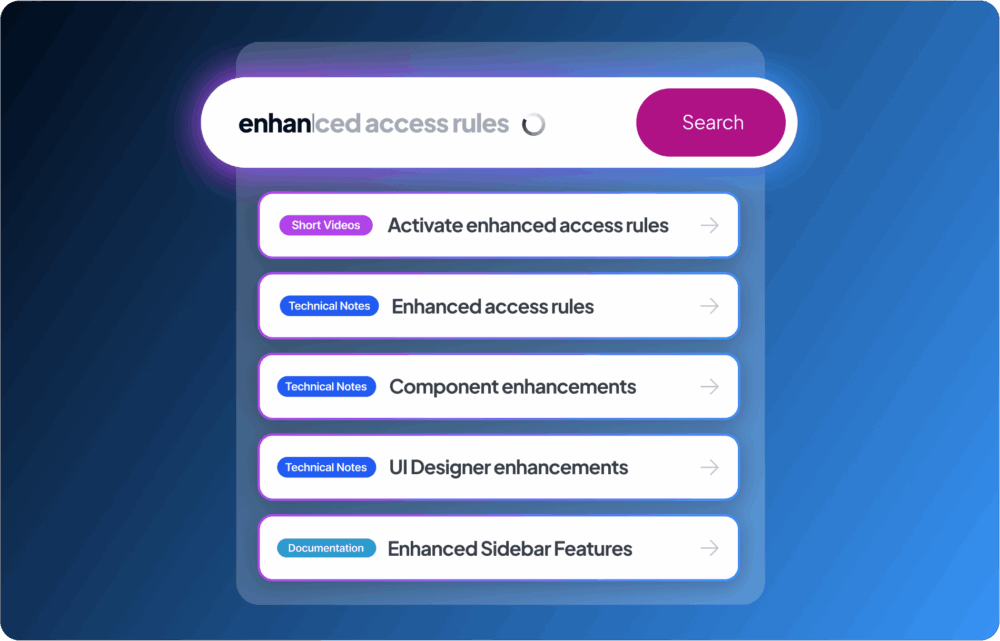
Screenshot showing Enhanced Access Rules, Technical Notes, and Documentation for software updates.

ファセット検索

カテゴリ、タグ、任意のメタデータによるフィルタリングで結果を簡単に絞り込み。数クリックで設定可能で、ハードコーディングは不要。必要な情報を瞬時に特定できます。
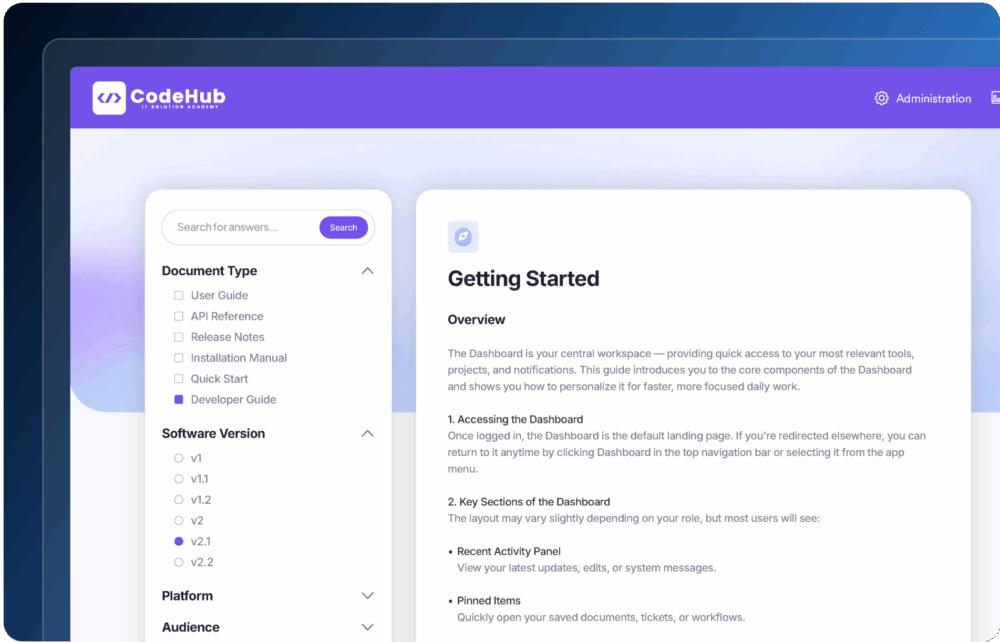
CodeHub documentation screenshot showing Getting Started section for dashboard layout.

クラスタリング

同一コンテンツが複数バージョンに存在する場合、類似結果をグループ化。重複を排除し、整理された検索結果を表示します。
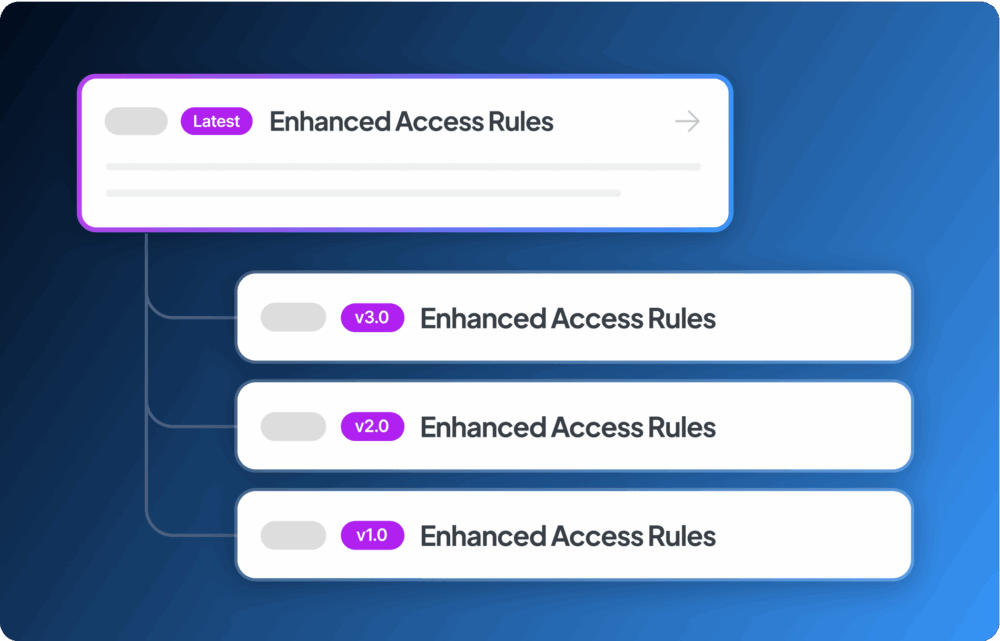
Infographic of Enhanced Access Rules with latest rules highlighted on blue gradient.

キーワードハイライト

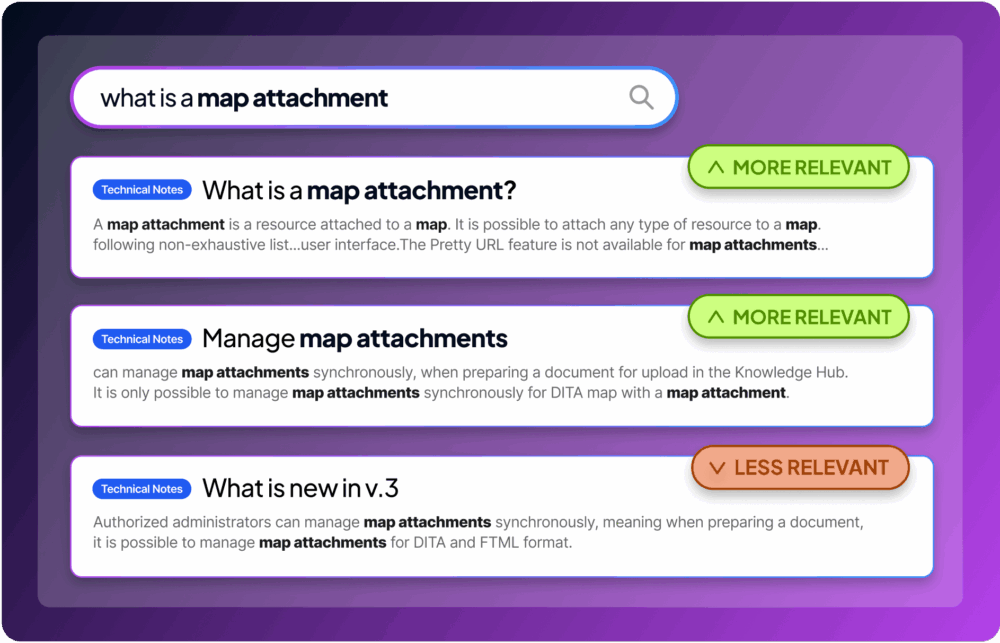
検索結果のタイトル、本文、メタデータ内でキーワードを強調表示。関連情報を迅速に識別できます。
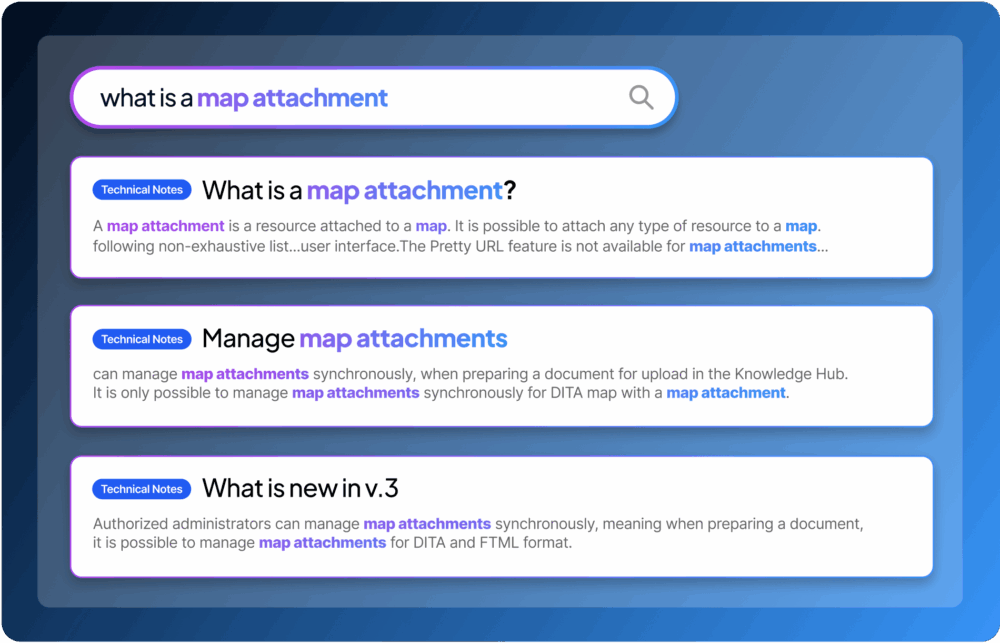
Screenshot showing technical notes on map attachments, management, and updates in version 3.

スペルチェック

内蔵スペルチェッカーが入力ミスを自動修正。誤字が含まれていても検索精度を維持し、誤解を防ぎます。
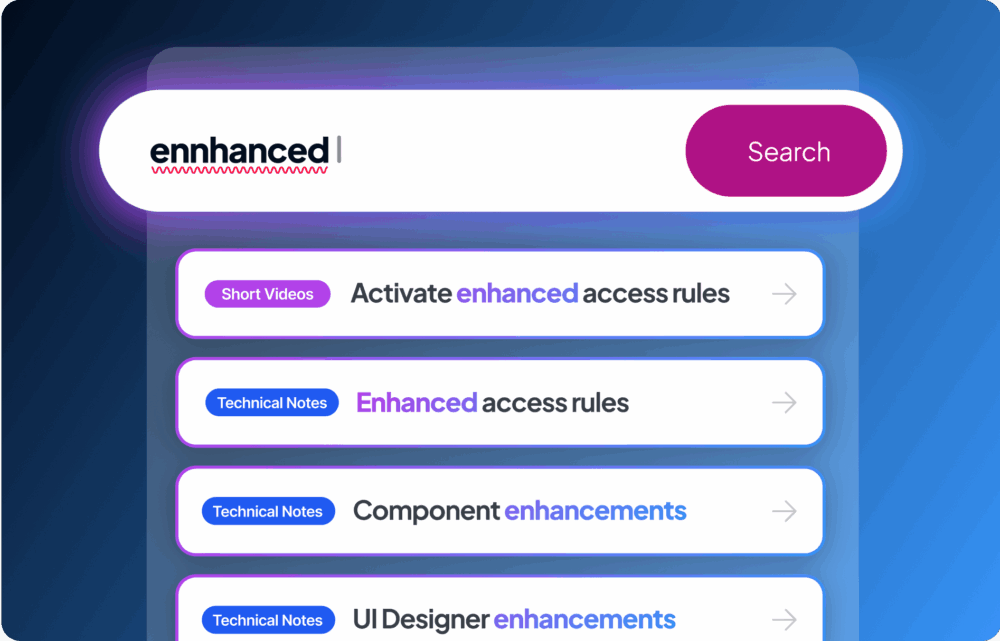
UI screenshot showing Enhanced Search, Short Videos, Access Rules, and Technical Notes features.
予測入力

予測入力

入力中に検索候補をリアルタイム表示。高速入力や一般的なスペルミスにも対応し、自動補正でスムーズかつ正確な検索を実現します。

Screenshot showing Enhanced Access Rules, Technical Notes, and Documentation for software updates.
ファセット検索

ファセット検索

カテゴリ、タグ、任意のメタデータによるフィルタリングで結果を簡単に絞り込み。数クリックで設定可能で、ハードコーディングは不要。必要な情報を瞬時に特定できます。

CodeHub documentation screenshot showing Getting Started section for dashboard layout.
クラスタリング

クラスタリング

同一コンテンツが複数バージョンに存在する場合、類似結果をグループ化。重複を排除し、整理された検索結果を表示します。

Infographic of Enhanced Access Rules with latest rules highlighted on blue gradient.
キーワードハイライト

キーワードハイライト

検索結果のタイトル、本文、メタデータ内でキーワードを強調表示。関連情報を迅速に識別できます。

Screenshot showing technical notes on map attachments, management, and updates in version 3.
スペルチェック

スペルチェック

内蔵スペルチェッカーが入力ミスを自動修正。誤字が含まれていても検索精度を維持し、誤解を防ぎます。

UI screenshot showing Enhanced Search, Short Videos, Access Rules, and Technical Notes features.

次のステップへ進みませんか?

当社の製品エキスパートにご相談ください

Sales man Fluidtopics